If you’ve been wondering how to start a website but feel confused by domains, hosting, and technical jargon, you’re not alone. In 2026, building a website is more beginner-friendly than ever — but the first steps can still feel overwhelming. This guide explains how to start a website in simple, practical terms so you can go from idea to live site with confidence.
Whether your goal is to launch a blog, business website, portfolio, or passion project, the foundation is the same. You don’t need to be a developer, and you don’t need expensive tools. You just need the right order of steps — and that’s exactly what you’ll find here.
Quick Summary
- You only need a domain name, hosting, and a website platform
- WordPress makes it easy to build without coding
- A clear website goal saves time later
- Beginner-friendly hosting simplifies setup
- A simple design works better than a complex one
- Mobile-friendly layout is essential
- Basic security and backups should be set up early
- You can launch first and improve over time
Table of Contents
What You Actually Need to Start a Website
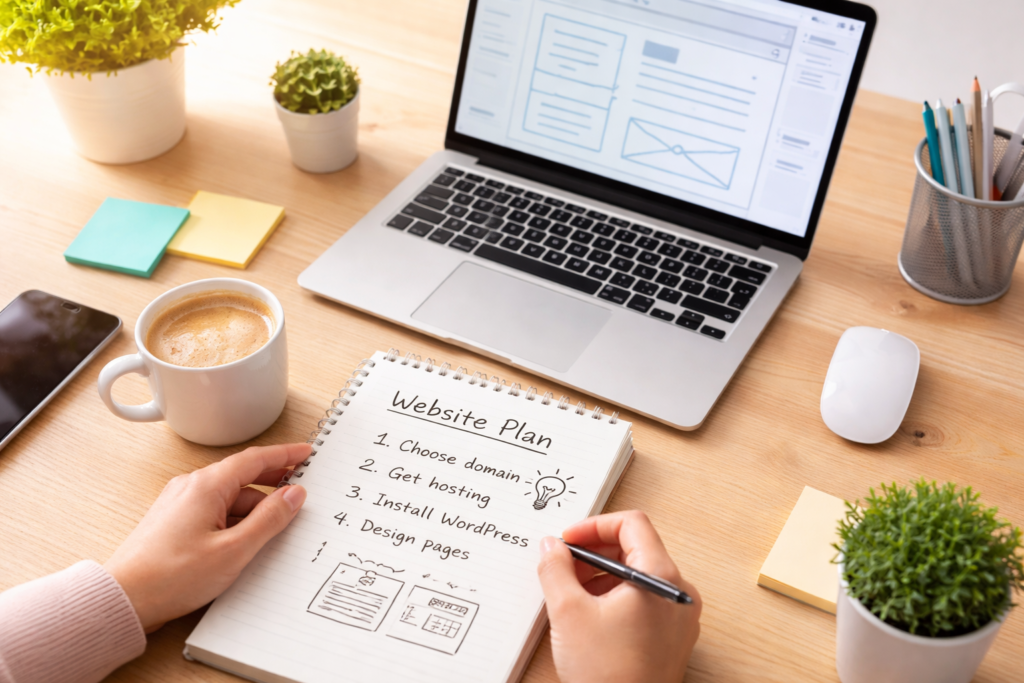
Before diving into tools, let’s simplify how to start a website into three core pieces:
- Domain name – Your website address (like yoursite.com)
- Web hosting – The online space where your website lives
- Website platform – Software that helps you build pages easily
That’s it. Everything else — themes, plugins, design — builds on top of these.
Think of it like opening a physical shop:
- Domain = your shop name and address
- Hosting = the building you rent
- Platform = the tools you use to set it up
Step 1: Choose Your Website Idea and Purpose
Before buying anything, get clear on why you want a website.
Ask yourself:
- Is this for blogging, business, or personal use?
- Who is your target audience?
- What problem will your site help solve?
Mini Checklist
✔ Write one sentence describing your website’s goal
✔ List 3–5 main topics or services
✔ Decide what action you want visitors to take
Pro Tip: Clear purpose makes every other step in how to start a website much easier.
Step 2: Pick a Domain Name
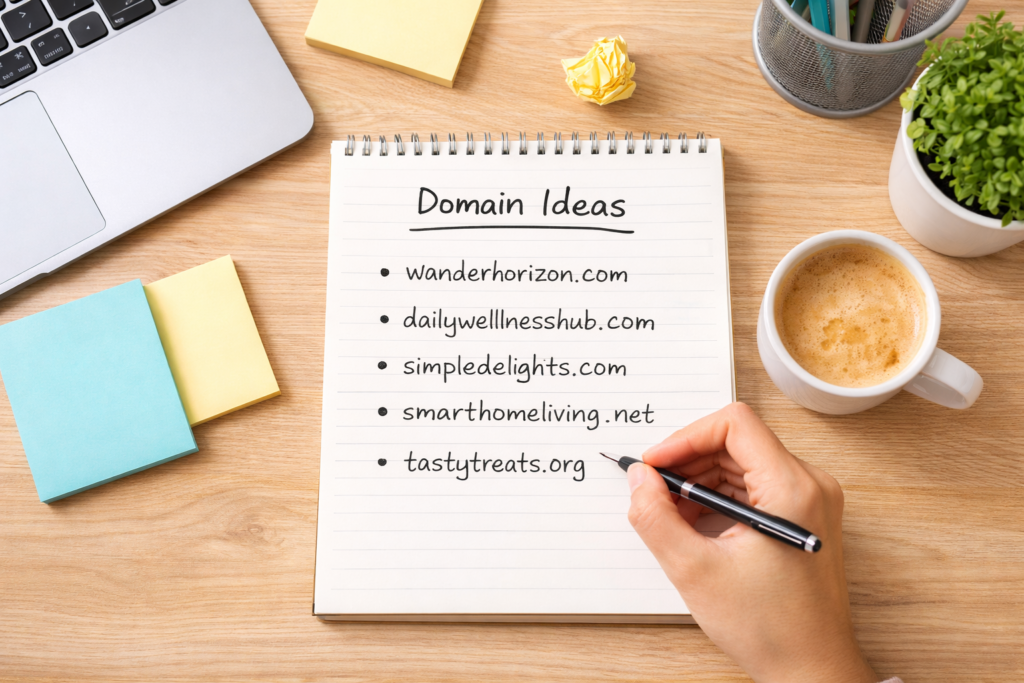
Your domain name is your online identity. It should be simple, memorable, and easy to type.
Good Domain Name Rules
- Keep it short and clear
- Avoid hard-to-spell words
- Skip numbers and hyphens if possible
- Use a common extension like .com when available
According to ICANN, the global organization that coordinates domain names, choosing a recognizable and trustworthy domain helps users feel more confident visiting your site.
If you’re unsure how to pick the right name, this beginner guide to choosing a domain name explains the process in simple steps.
Example
If you’re starting a fitness blog:
- Strong: fitwithlena.com
- Harder to remember: best-fitness-2026-online.net
Step 3: Get Web Hosting
Web hosting is what makes your site visible online. When learning how to start a website, this is where many beginners get stuck — but it doesn’t have to be complicated.
To understand the basics more clearly, here’s a simple explanation of how web hosting works for beginners.
Look for hosting that offers:
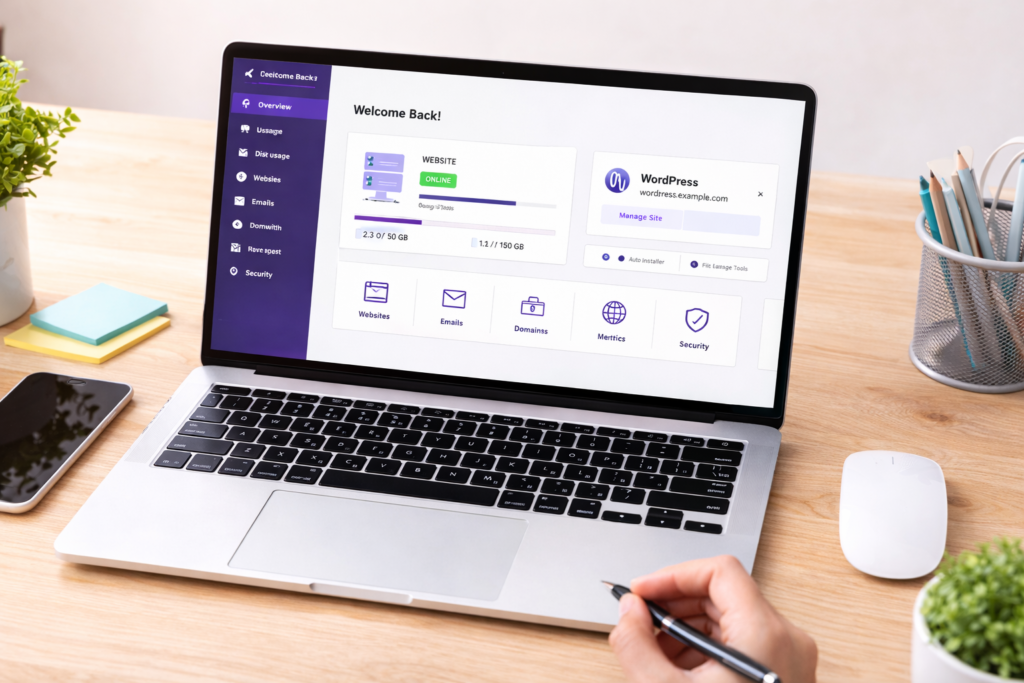
- Easy WordPress installation
- Beginner-friendly dashboard
- Reliable uptime
- Built-in security features
Many beginners choose shared hosting because it’s simple and designed for new websites. You can always upgrade later as your site grows.
👉 When selecting your hosting plan, choose one that clearly supports WordPress and beginner setup tools
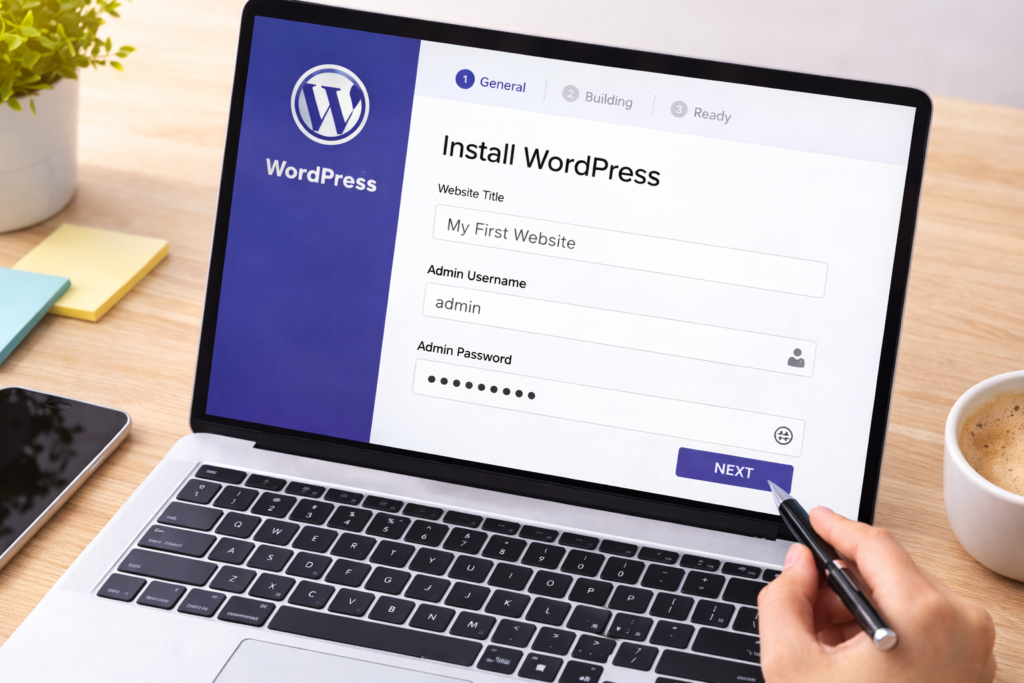
Step 4: Install WordPress
WordPress is one of the most widely used website platforms in the world. The official WordPress.org project highlights its flexibility and beginner accessibility, which is why so many new website owners start here.
Most hosting providers include a one-click WordPress installer.
Basic Installation Steps
- Log into your hosting account
- Click “Install WordPress”
- Enter your site name, email, and password
- Complete the setup
Within minutes, your basic website framework is ready.
If your hosting dashboard offers a guided WordPress setup, it can make this process even smoother for beginners.
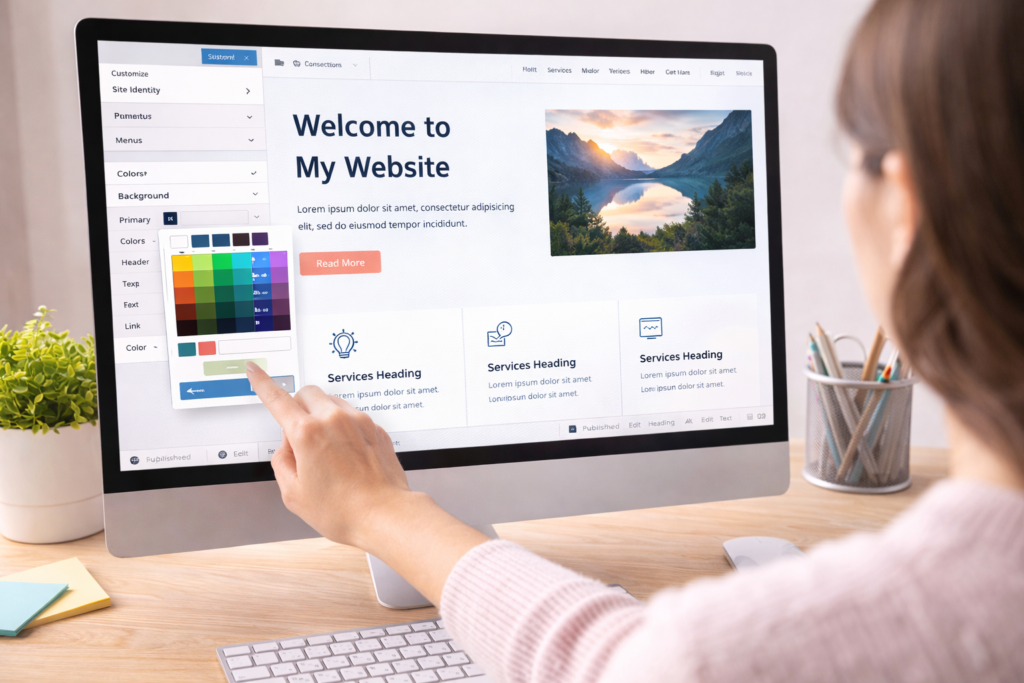
Step 5: Choose a Theme and Design Your Site
A theme controls how your website looks. When figuring out how to start a website, many beginners worry about design — but modern themes make it simple.
Look for a theme that is:
- Lightweight and fast
- Mobile responsive
- Easy to customize
Starter Design Checklist
✔ Upload a logo or simple text title
✔ Choose 1–2 main brand colors
✔ Use clean, readable fonts
✔ Keep layout uncluttered
These simple website design tips can help you make your site look clean and professional from the start.
Pro Tip: Focus on clarity and readability. Fancy design features can come later.
Step 6: Create Essential Website Pages
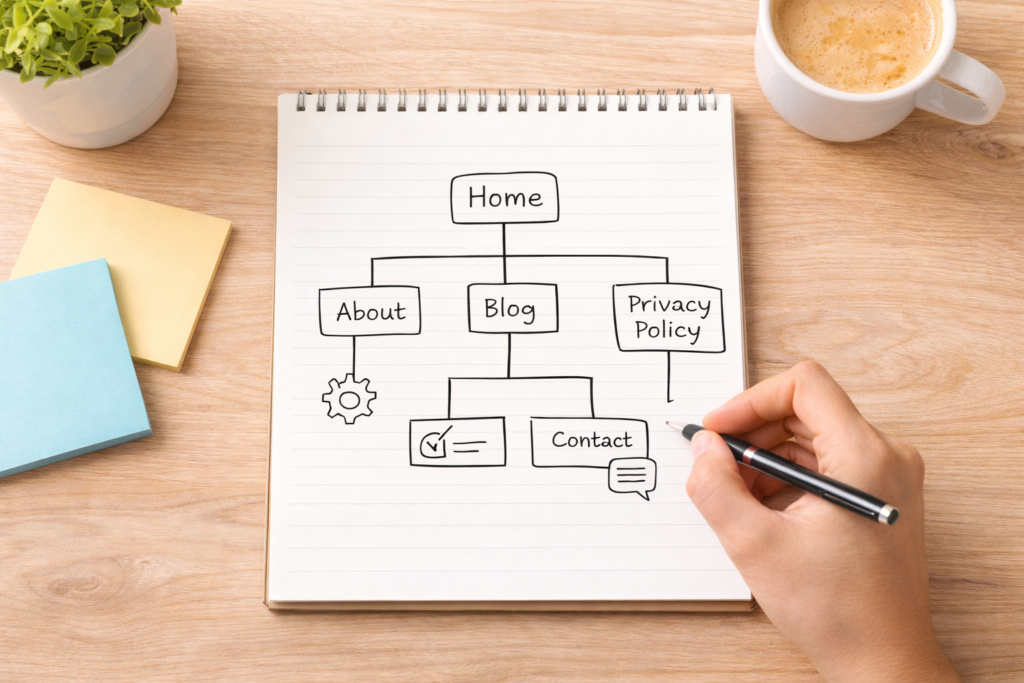
You don’t need dozens of pages to launch. Start with the basics.
Must-Have Pages
Home Page
A short introduction to who you are and what your website offers.
About Page
Your story, mission, or background.
Contact Page
A form or email so people can reach you easily.
Privacy Policy Page
Important for trust and compliance, especially if you collect visitor data.
When learning how to start a website, having these core pages live gives your site a professional foundation.
Step 7: Add Useful Plugins
Plugins add extra features without coding.
Common beginner plugins include:
- SEO plugin (helps search engines understand your site)
- Security plugin
- Backup plugin
- Contact form plugin
Plugin Rule of Thumb
Only install what you truly need. Too many plugins can slow your site down.
Many hosting plans already include basic security and backup features, which makes managing your site easier as a beginner.
Step 8: Make Your Website Mobile-Friendly
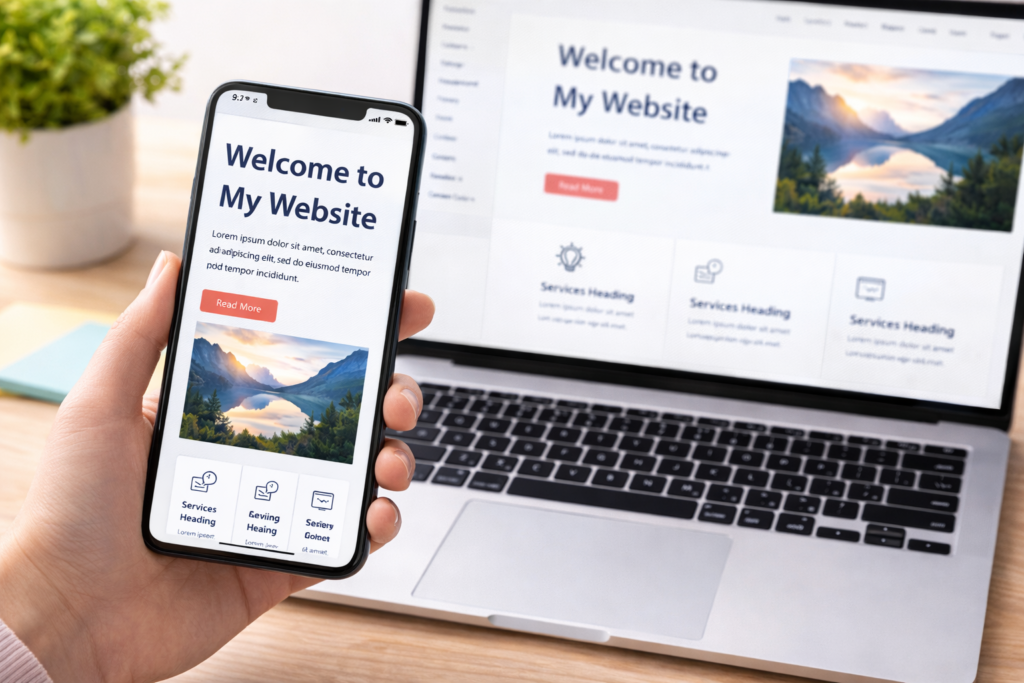
A large portion of internet traffic now comes from smartphones. A mobile-friendly design is essential in 2026.
Quick Mobile Check
✔ Text is readable without zooming
✔ Buttons are easy to tap
✔ Images resize correctly
✔ Menus are simple and clear
Most modern WordPress themes are responsive by default, but always preview your site on your phone before publishing.
Step 9: Basic Security and Backups
Security might sound technical, but the basics are simple.
Security Essentials
- Use strong passwords
- Keep WordPress and plugins updated
- Install a basic security plugin
Backups Matter
Backups protect your content if something goes wrong. Many beginner-friendly hosting services include automatic backups, which removes a lot of stress for new website owners (Insert referral link here)
Step 10: Publish and Grow Your Website
Once your main pages are ready, it’s time to launch.
Launch Checklist
✔ All links work
✔ Contact form sends messages
✔ No placeholder text remains
✔ Mobile version looks good
After publishing, your focus shifts to:
- Creating helpful content
- Improving user experience
- Learning basic SEO
- Understanding your audience
Remember, building a website is a process. You don’t need everything perfect on day one.
Referral Disclosure
This article may contain referral links. If you choose to use them, we may earn a small commission at no extra cost to you. This helps support the site and allows us to continue creating helpful guides.
Why You Can Trust This Guide
This guide is based on practical website-building experience and widely recommended beginner practices. It’s designed to simplify technical steps and help new website owners feel confident taking action.
FAQs
What is the first step in how to start a website?
The first step is deciding your website’s purpose and audience. This helps guide your domain, hosting, and content decisions.
Do I need coding skills to start a website?
No. Platforms like WordPress allow beginners to build websites using visual tools and simple settings.
How long does it take to start a website?
The technical setup can be done in a day, but content creation and improvements happen over time.
Can I start a website on a small budget?
Yes. Many beginners start with basic hosting and a free theme, then upgrade later if needed.
Is WordPress good for beginners?
Yes. WordPress is widely used, flexible, and supported by many beginner-friendly tutorials and tools.
Conclusion
Now you understand how to start a website in 2026 step by step. By choosing a domain, setting up hosting, installing WordPress, and building a few essential pages, you can launch a professional website without technical stress. Start simple, improve as you go, and focus on creating value for your visitors.